1. Download Sleekit
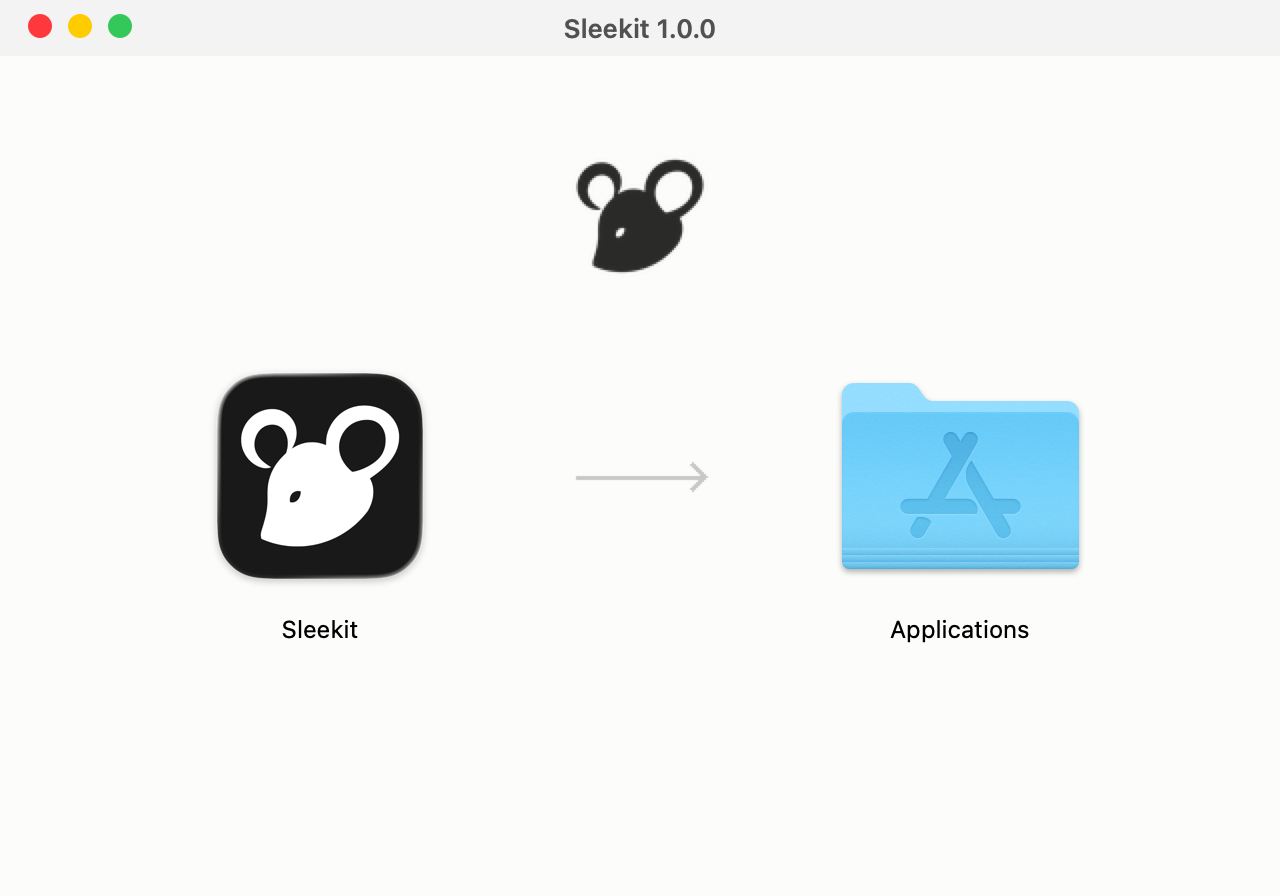
2. Drag Sleekit Into Applications
Open the download and drag Sleekit into Applications.
3. Open Sleekit And Set It Up
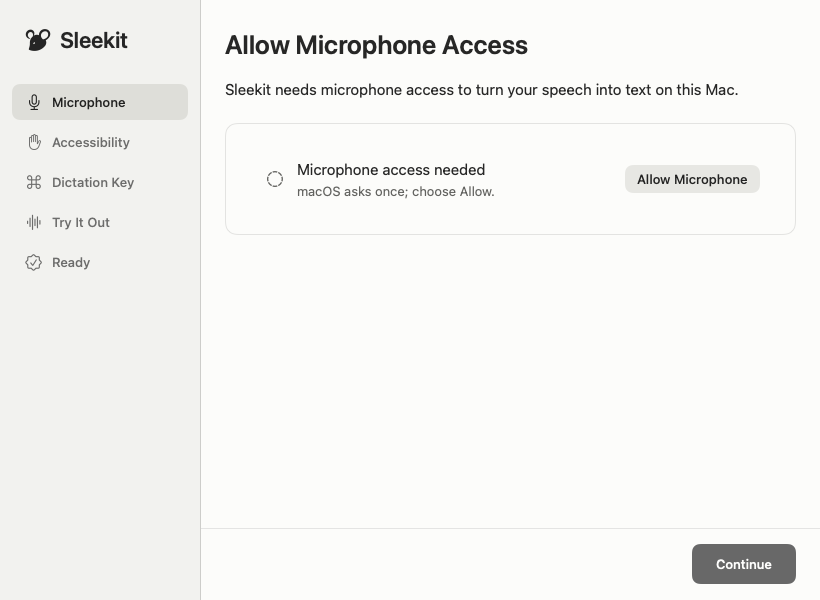
Open Sleekit from Applications and follow the setup. It asks for the permissions it needs and walks you through your first dictation.
Your 7 days start with your first dictation into another app or first meeting recording.